How to Check Security Camera Compatibility with NVR and VMS

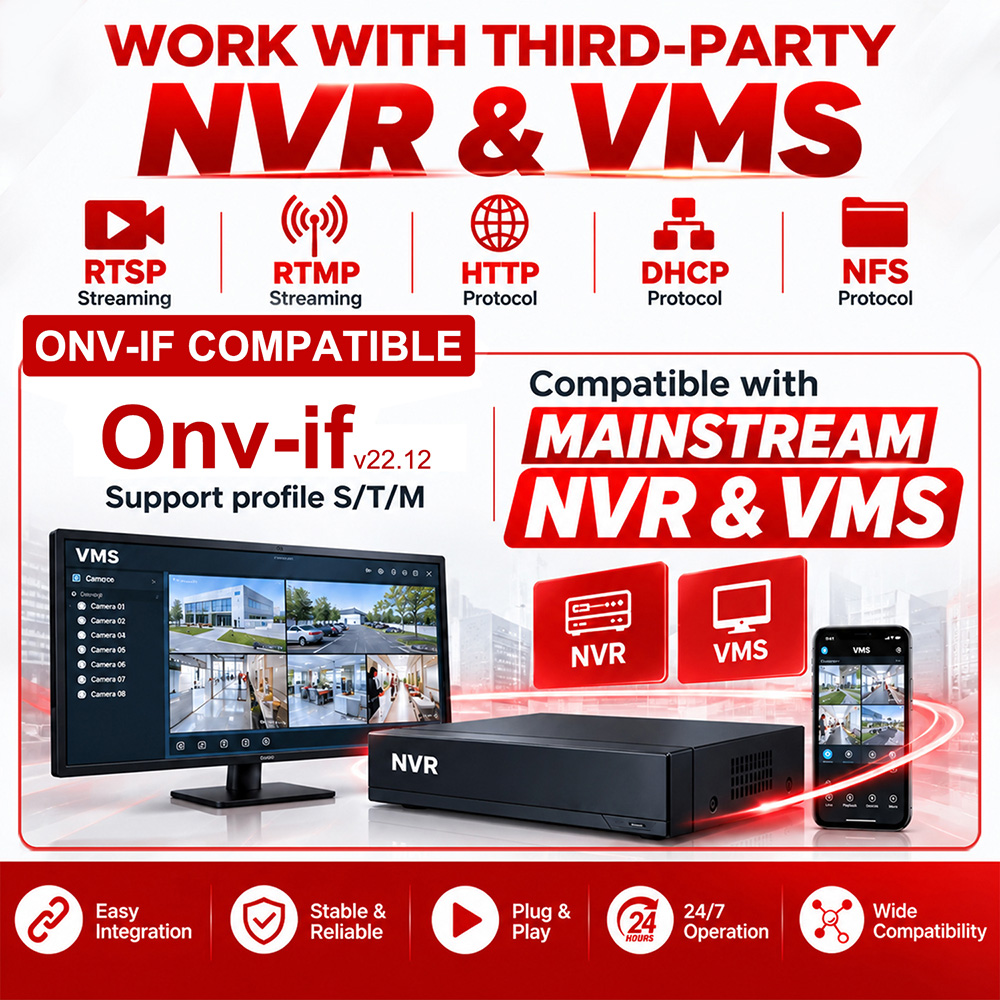
When buying IP security cameras, one of the first things to check is whether they will work with your existing NVR or VMS.
Checking a few basic specifications before placing an order can save time during installation.
Check ONVIF and RTSP
For most IP camera projects, start with ONVIF and RTSP support.
ONVIF is commonly used to connect cameras with third-party NVRs and VMS platforms. RTSP can also be used to add a camera manually and receive its video stream.
Keep in mind that ONVIF support does not mean every camera function will work. Some features may require additional integration.
Check Resolution and Video Format
The NVR or VMS should support the camera's main specifications, including:
- Resolution, such as 4MP, 5MP or 8MP
- H.264 or H.265
- Frame rate
- Bitrate
- Main stream and sub-stream
For example, if you choose an 8MP camera, make sure the NVR supports 8MP recording and decoding.
Don't Forget Audio, AI and PTZ
If you need more than basic video, check these functions separately.
For example:
- Built-in microphone and two-way audio
- Human or vehicle detection
- PTZ control and presets
- Alarm input/output
- Smart events
A camera may show live video normally while some of these functions are not available through a third-party NVR or VMS.
Test a Sample Before a Large Order
For distributors and system integrators, testing one camera with the target NVR or VMS is usually the easiest way to confirm compatibility.
Test the functions you actually need, such as live view, recording, playback, audio, AI events or PTZ control.
This is much safer than finding a compatibility problem after a large batch has already been delivered.
Ask the Camera Manufacturer
If you are not sure about compatibility, ask the manufacturer for the camera's:


 LinkedIn
How to Verify a Security Camera Factory in China
How to Choose a Reliable Security Camera Manufacturer in China